Brain Dump
Capture what is on your mind. Review the planning assistant’s smaller task suggestions before adding them.
 Domi: Focus & Task Manager
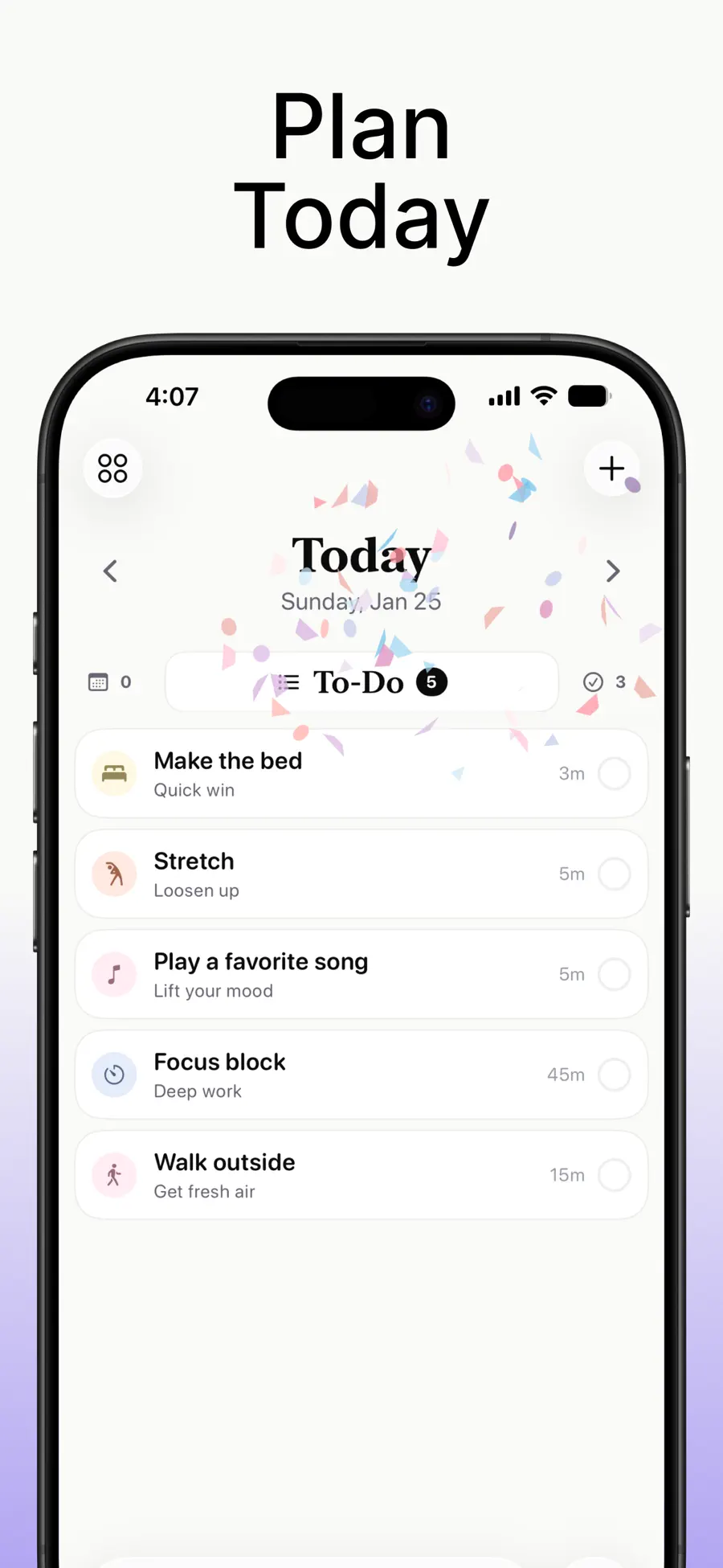
For people who think visually and struggle to start from a long to-do list. Domi puts tasks on a timeline, lets plans move, and pairs the next task with a focus timer.
 Inside Domi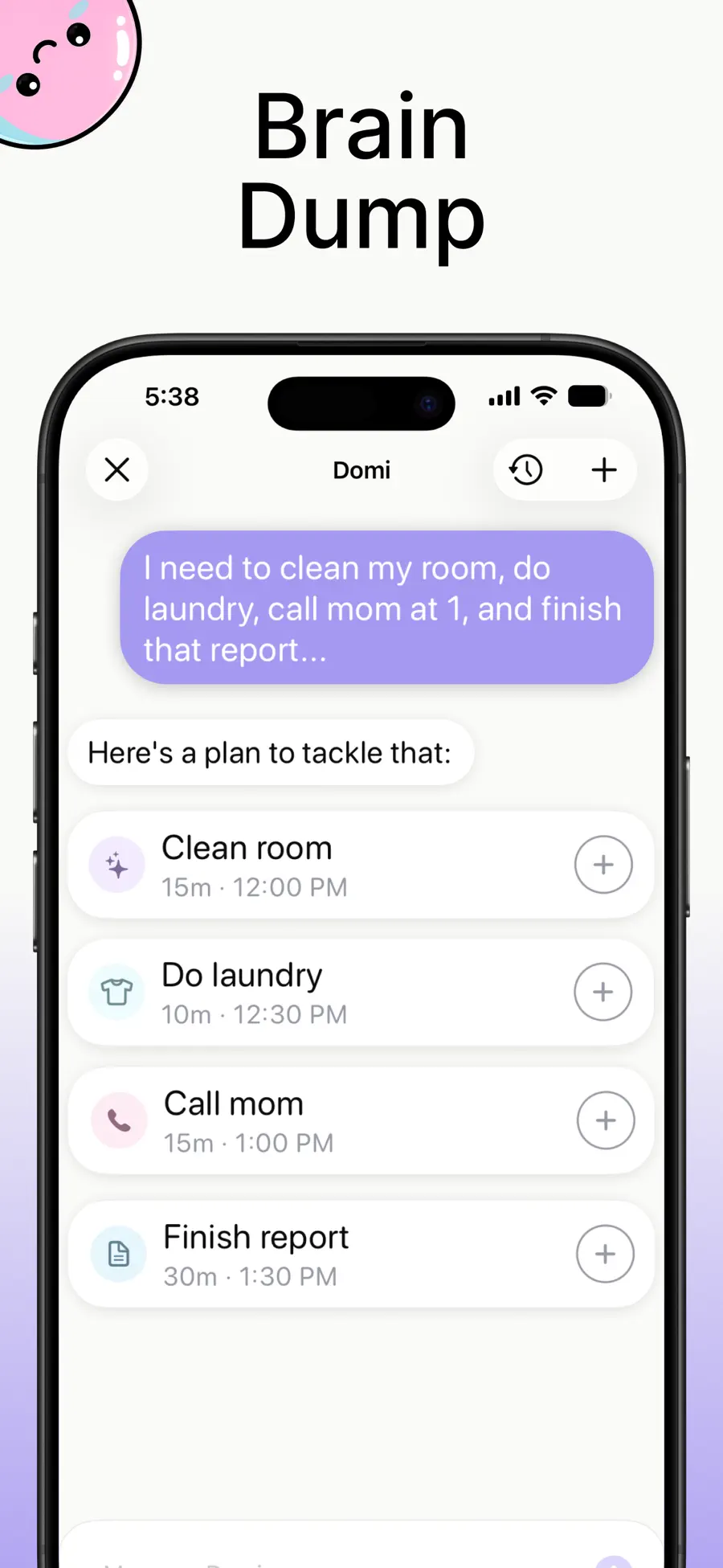
Capture what is on your mind. Review the planning assistant’s smaller task suggestions before adding them.
Arrange tasks on a timeline and drag them to a new time when plans change.
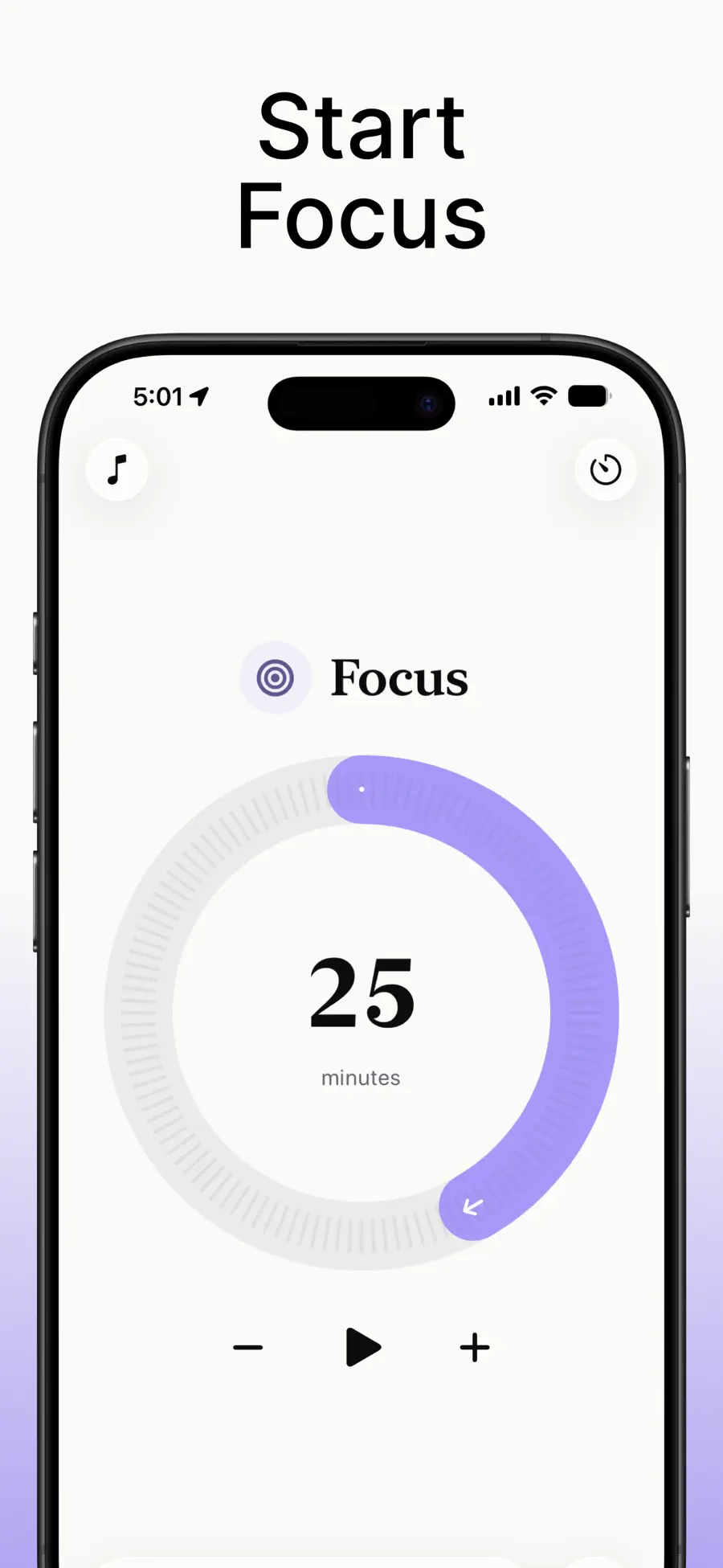
Choose a 1–60 minute session, ambient sound, and Pomodoro breaks.
No. Domi is designed with common executive-function challenges in mind, but anyone who prefers visual planning, smaller next steps, and flexible focus sessions can use it.
Yes. Domi supports customizable 1–60 minute focus sessions, a Pomodoro mode, ambient sounds, and break reminders.
Yes. You can capture what is on your mind and use the planning assistant to propose smaller tasks. You review the suggestions before adding them to your plan.
Domi supports iCloud sync and Home and Lock Screen widgets on supported Apple devices.