Create a Reminder
Add the prompt you want to see and keep related reminders organized.
 Remindly: Custom Notifications
For people whose routines do not fit a once-a-day reminder. Remindly repeats a notification at the interval you choose, with your own image and sound to make the prompt recognizable.
 Inside Remindly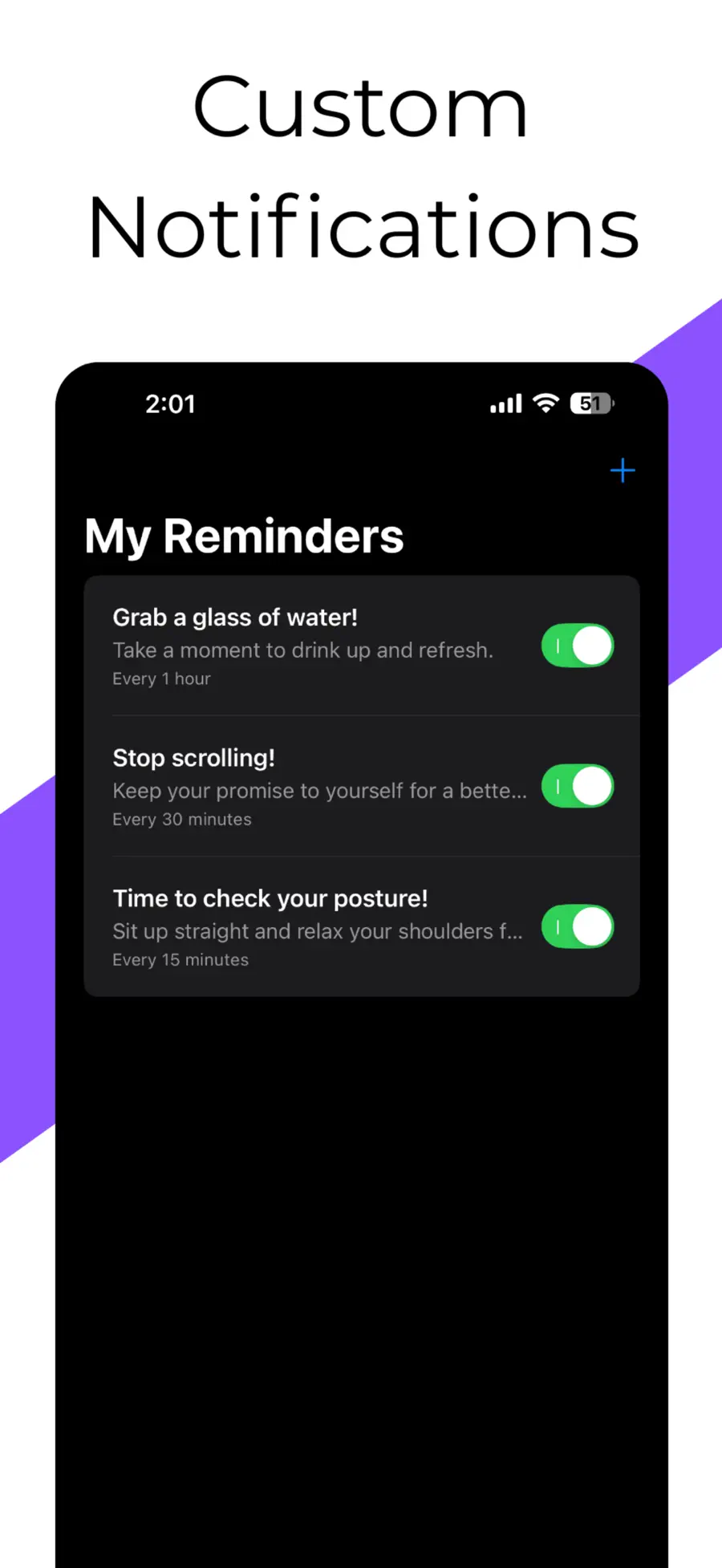
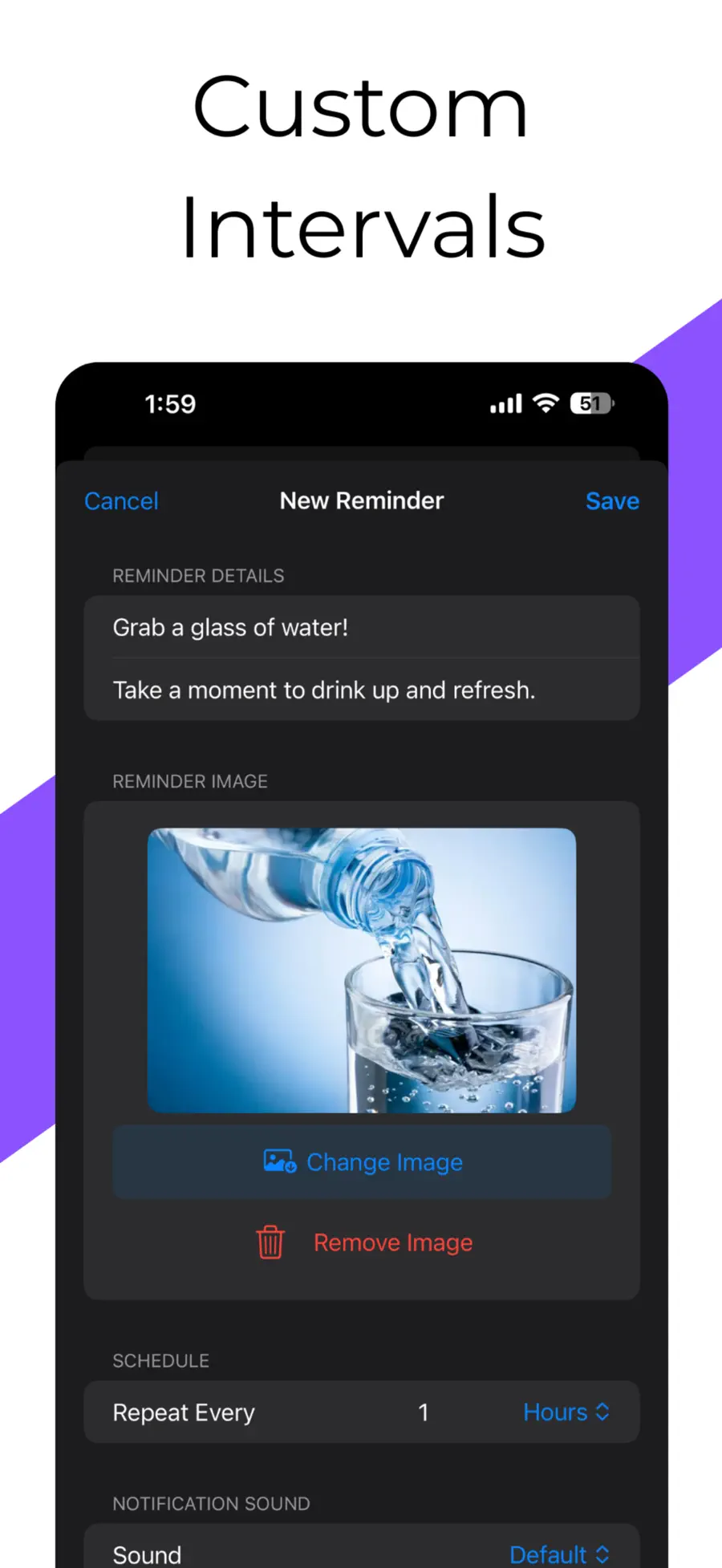
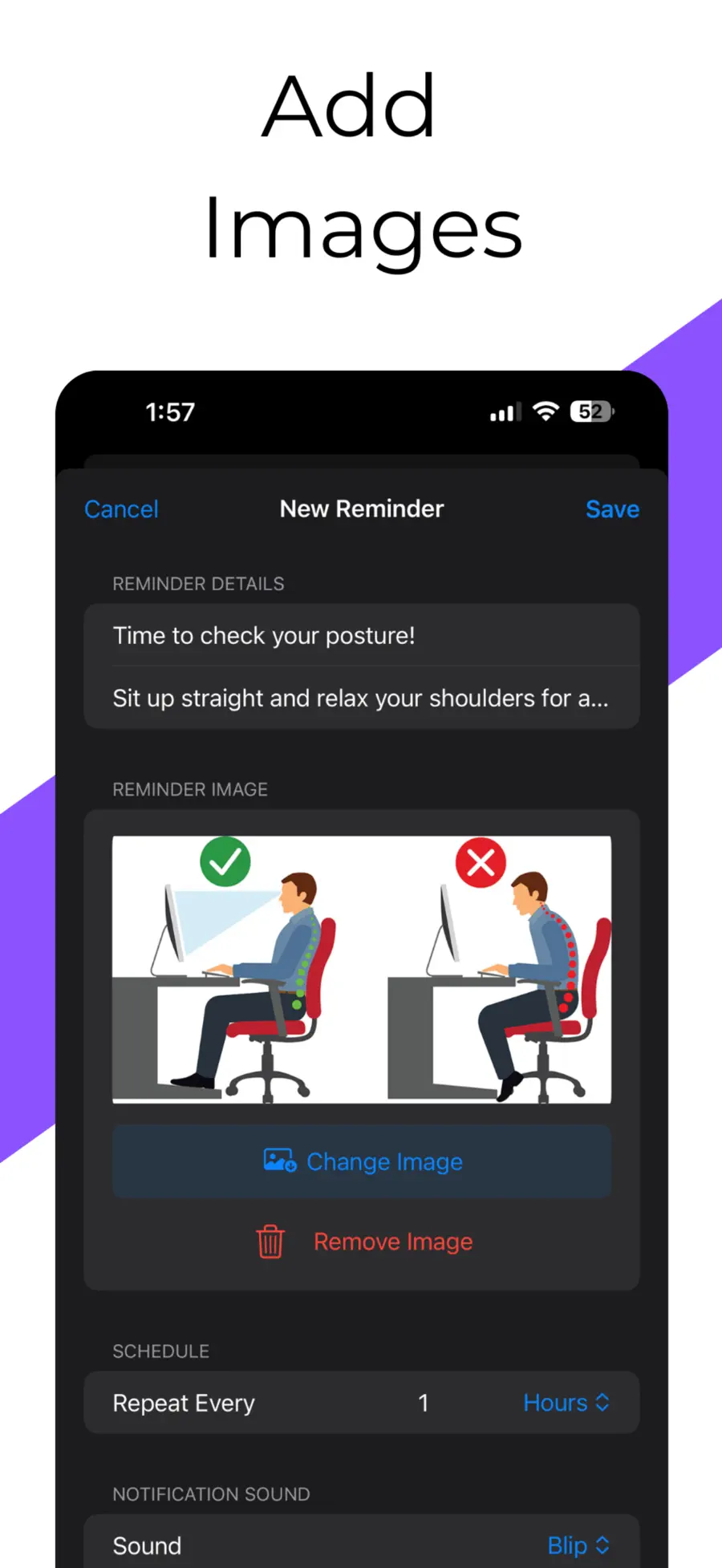
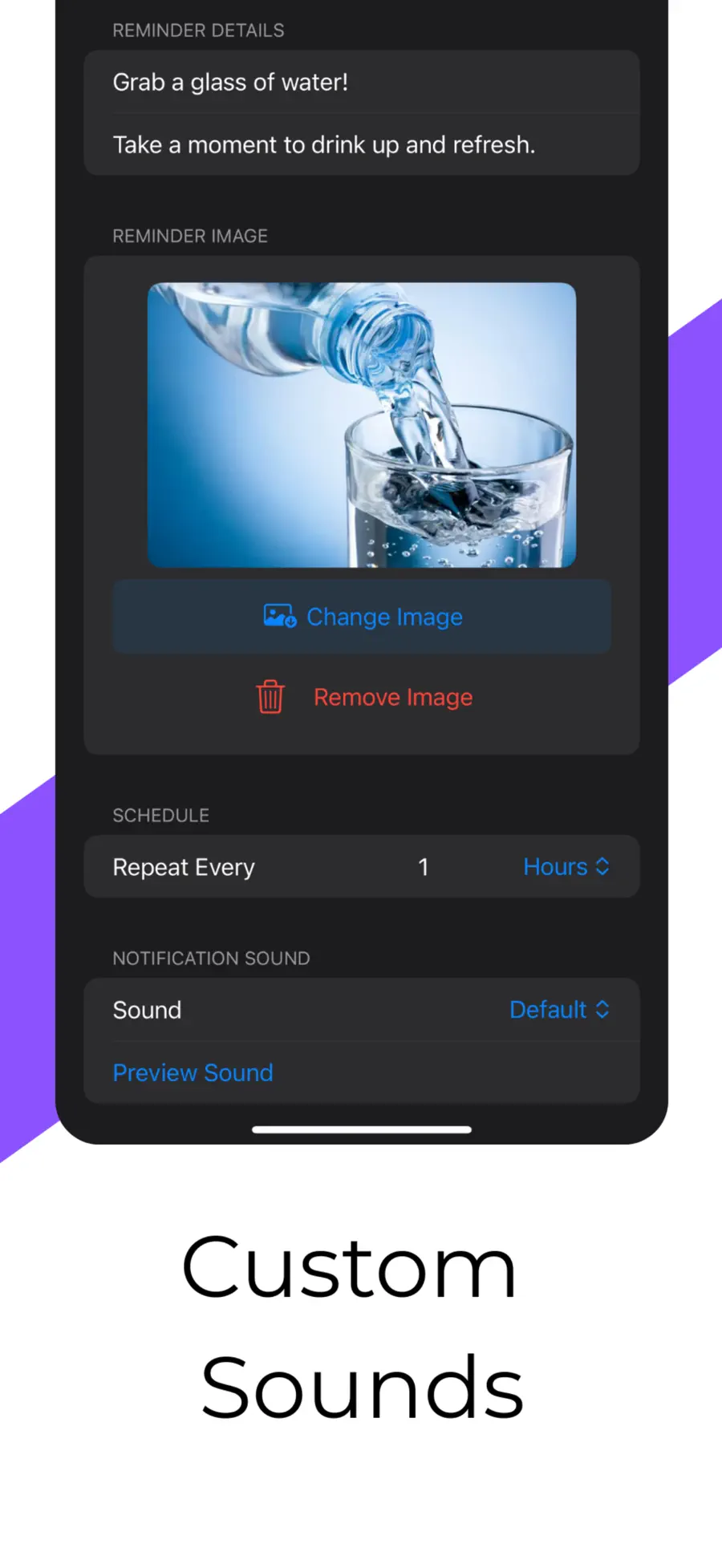
Add the prompt you want to see and keep related reminders organized.
Set how often the reminder repeats instead of forcing it into a daily schedule.
Use a photo or emoji cover as a visual cue for the routine.
Yes. Remindly supports custom minute-based intervals as well as hours, days, weeks, and months.
Yes. You can choose a custom notification sound and add a photo or emoji cover to make a reminder easier to recognize.
No. Remindly does not require a user account, and reminder content is stored locally on the device.
Remindly schedules local iPhone notifications, which can appear when the app is not open as long as notification permission and relevant iOS settings remain enabled.