Edit a Photo
Start with an existing image and describe the transformation you want.
 Vega AI: Photo & Video Editor
For people making portraits, social posts, and short clips without a full editing timeline. Vega AI turns a photo, prompt, or template into an image or video you can save and share.
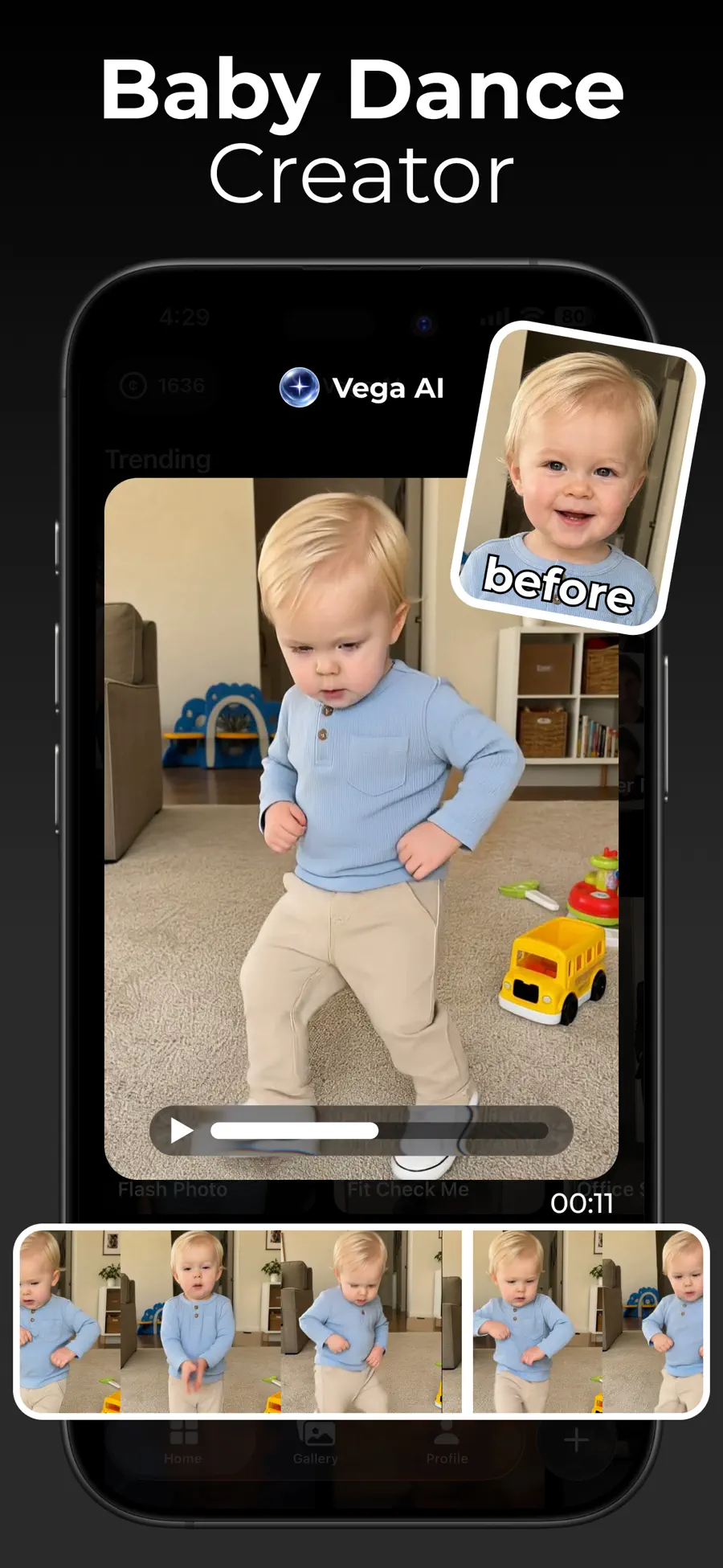
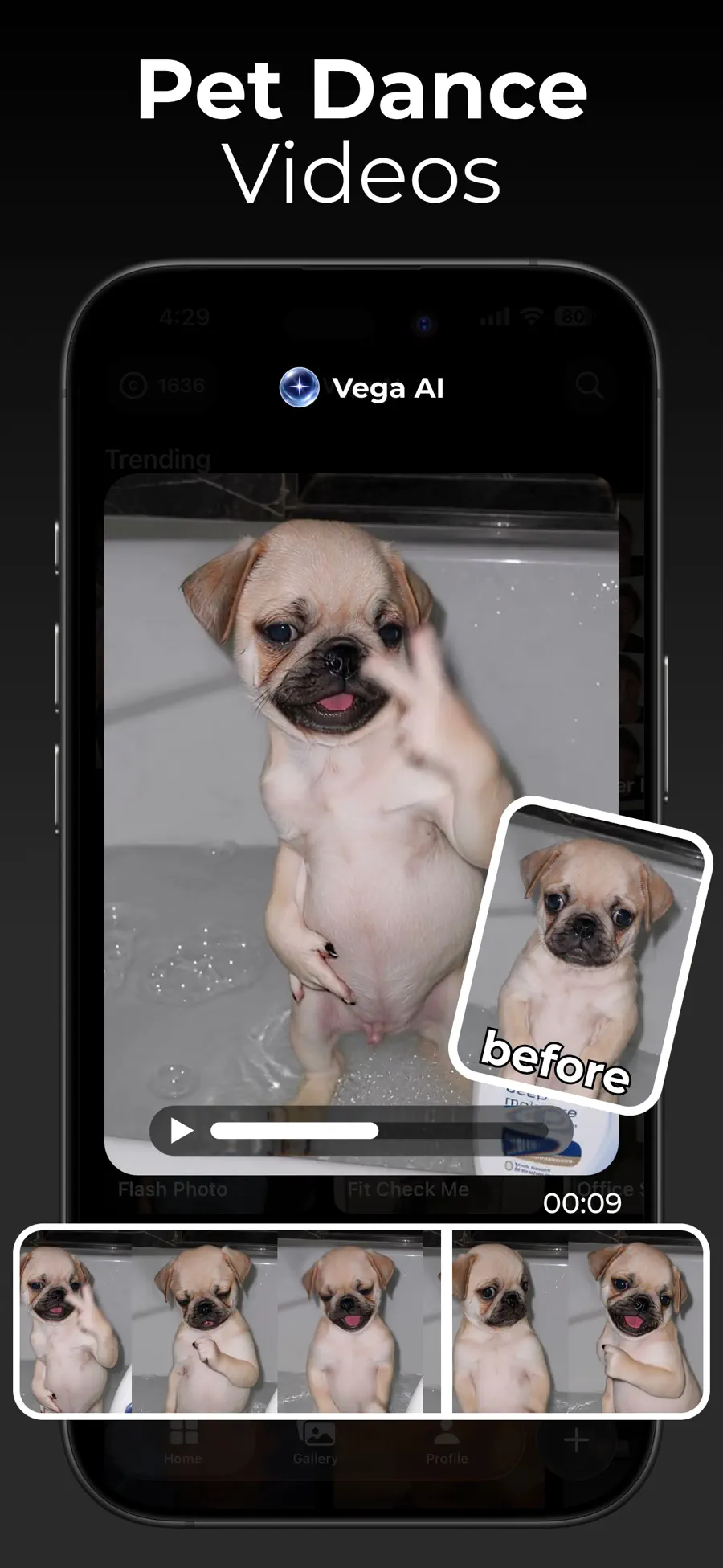
 Inside Vega AI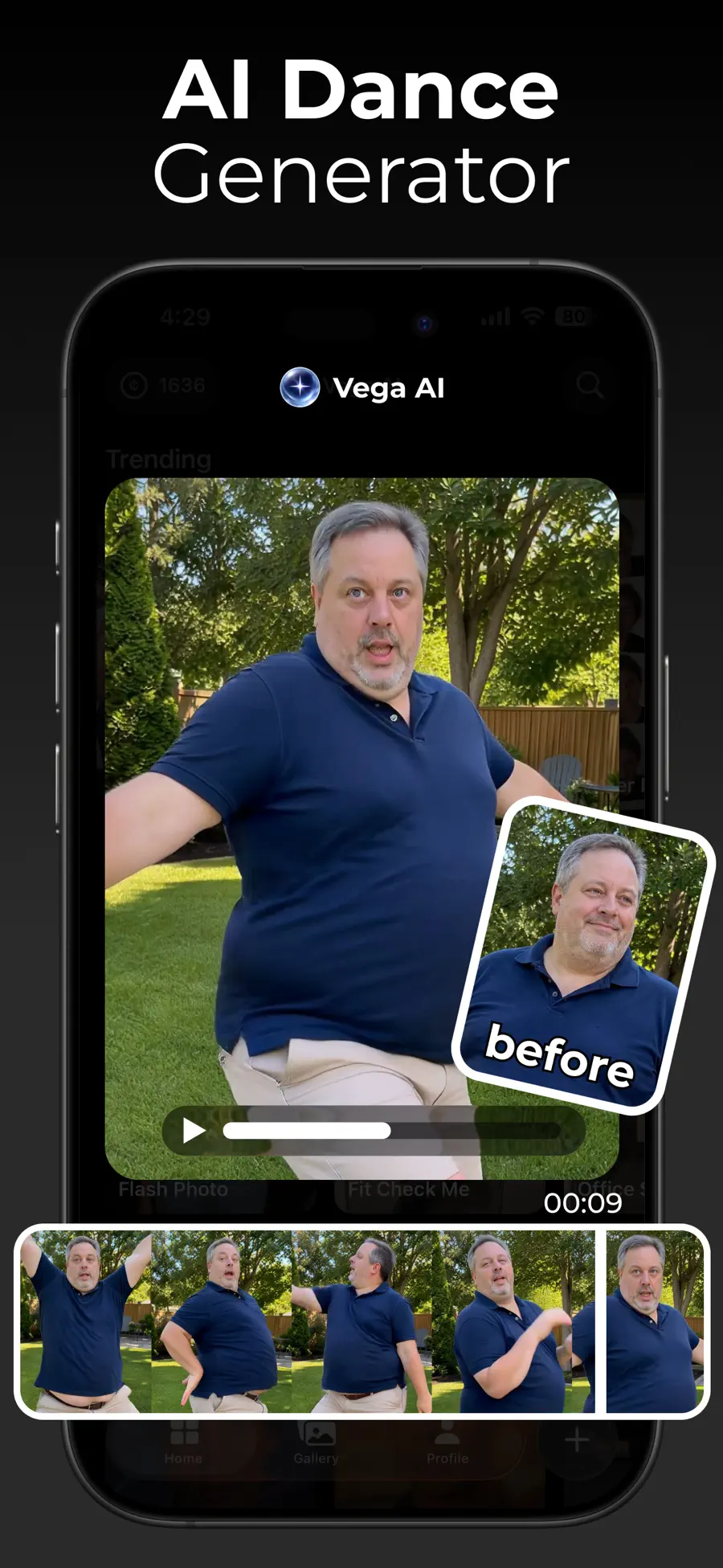
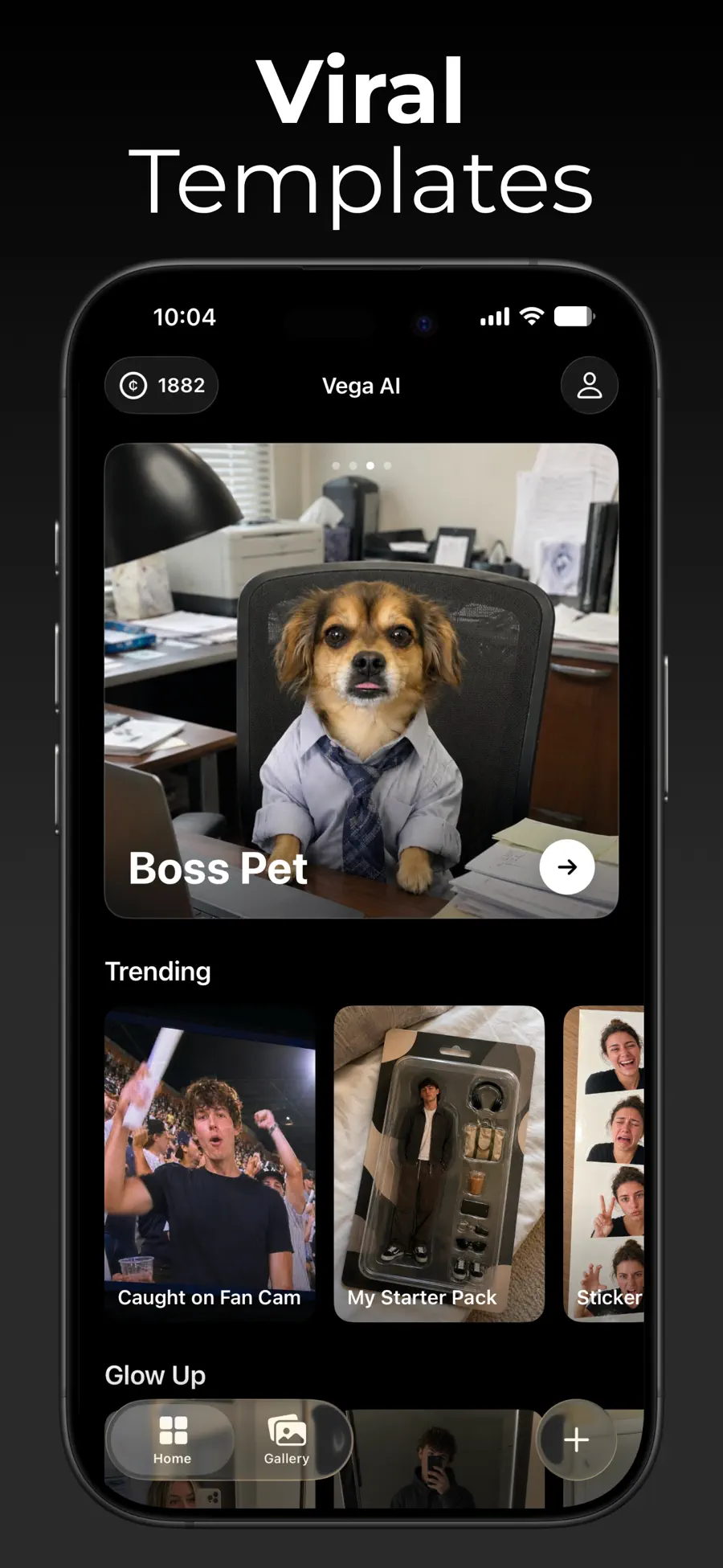
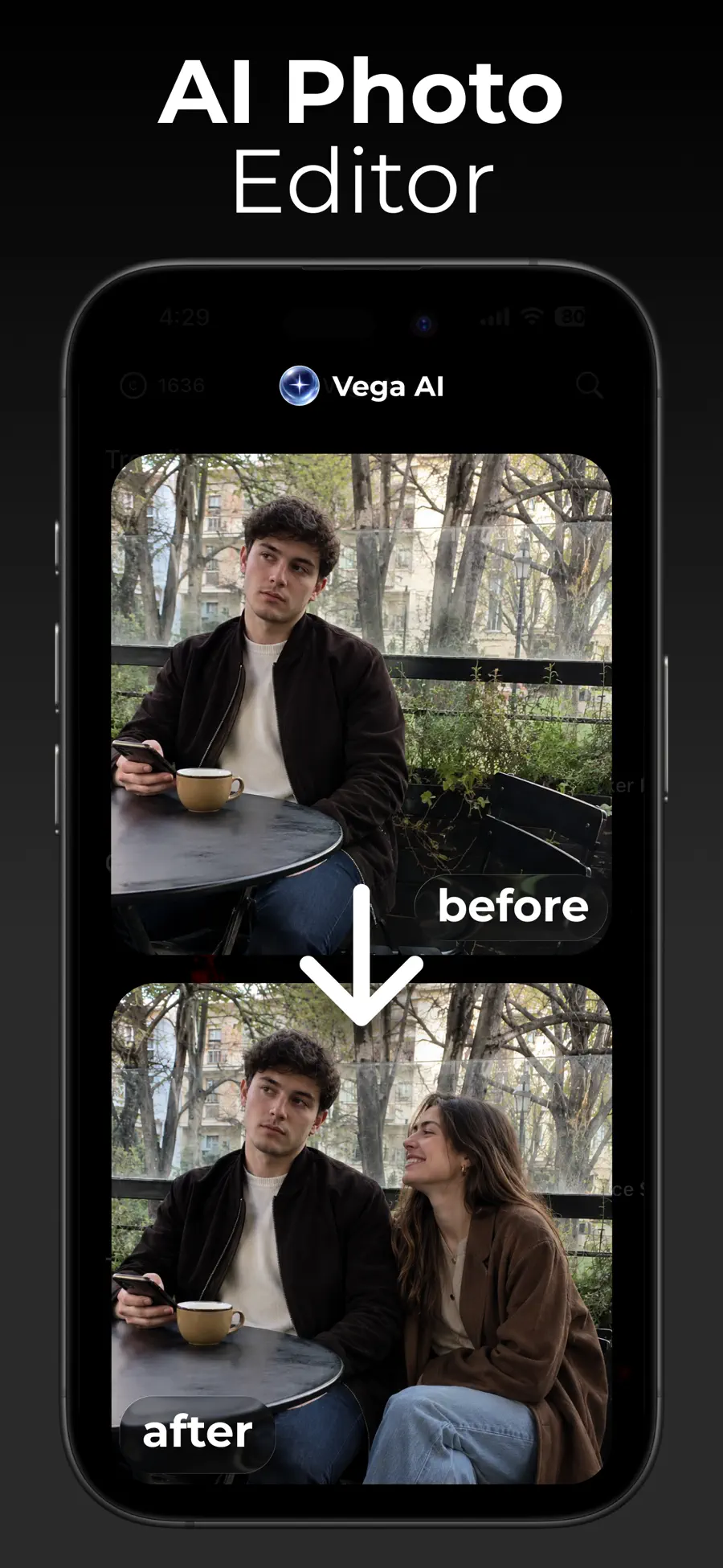
Start with an existing image and describe the transformation you want.
Browse ready-made photo effects, animated edits, and dance templates.
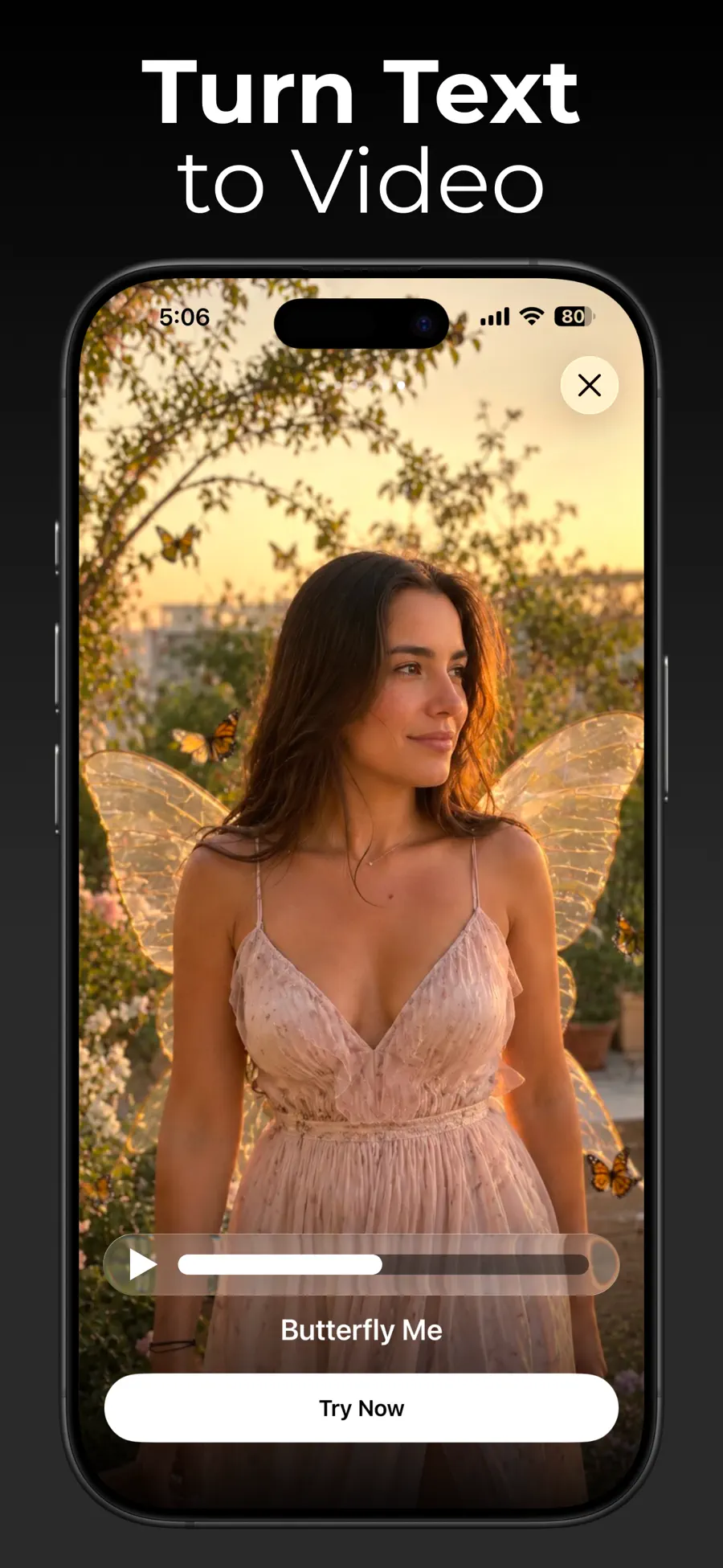
Turn a photo or prompt into a short AI-generated clip.
Yes. Upload a photo and use prompts or templates for changes such as looks, hairstyles, backgrounds, and portrait styles.
Yes. Vega AI supports short videos from photos, prompts, and motion templates, including dance effects.
Use the gallery to preview, favorite, export, share, or delete generated photos and videos.