Start With a Link
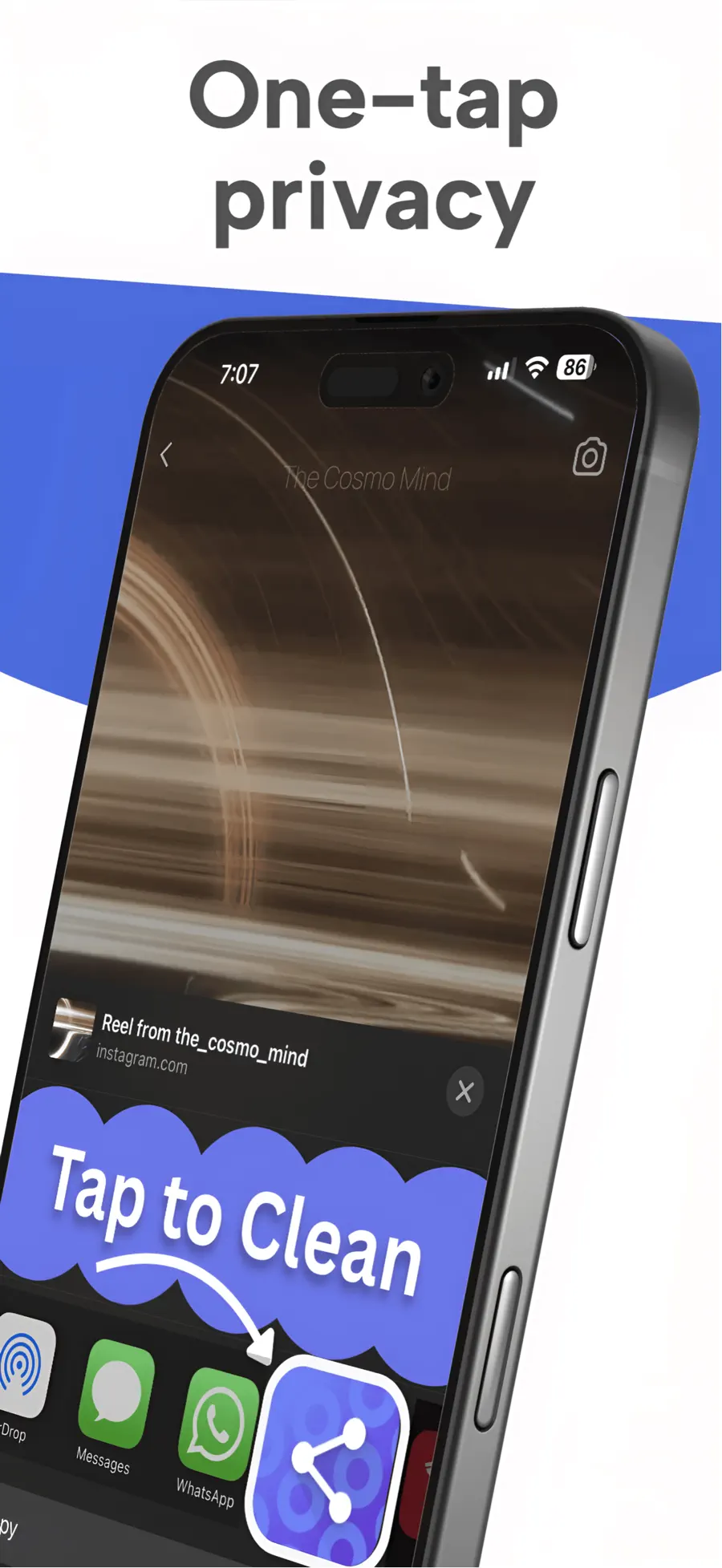
Share from Safari or another app as you normally would.
 CleanSend: Share with Privacy
For people who share links and want to remove the extra tracking parameters. CleanSend works in the iPhone Share Sheet, so you can review a cleaner URL before passing it on.
 Inside CleanSend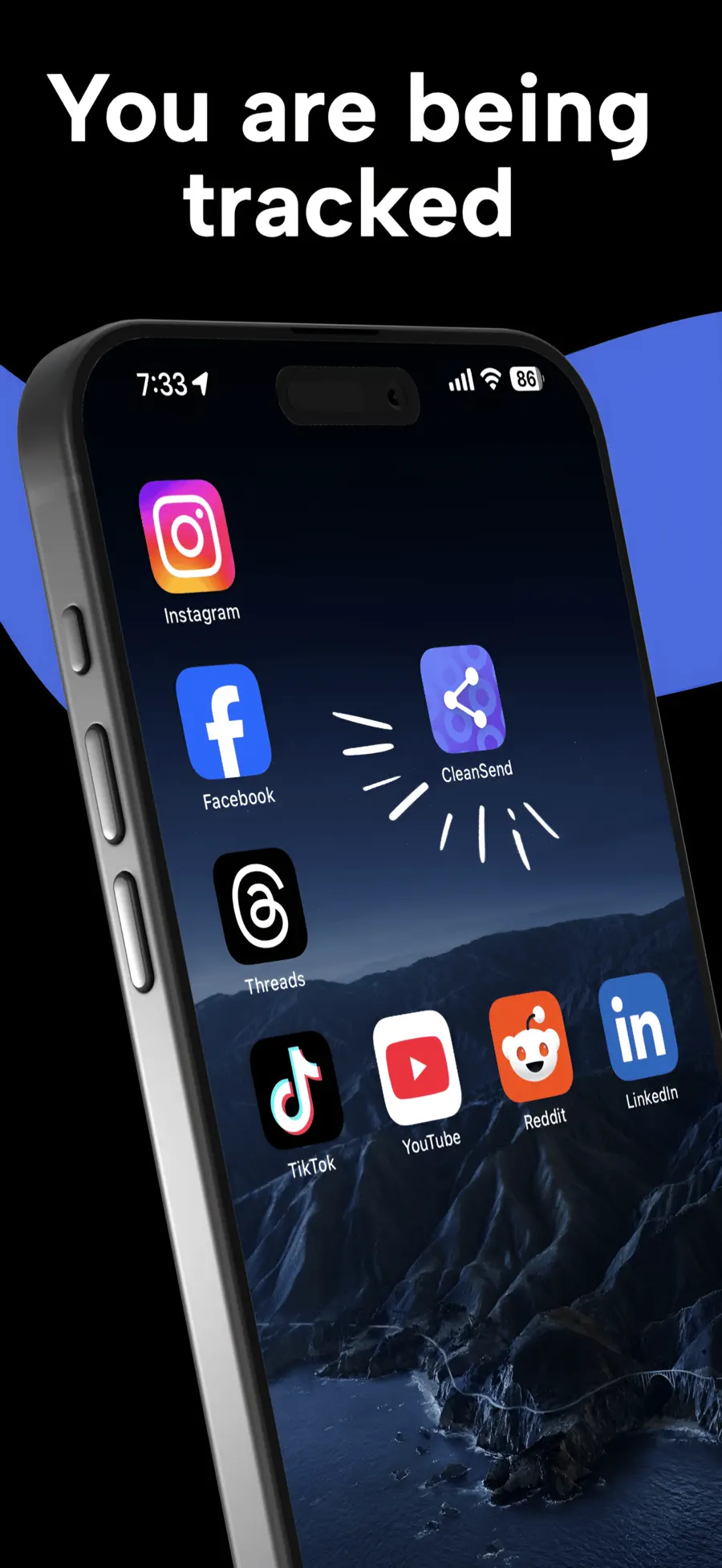
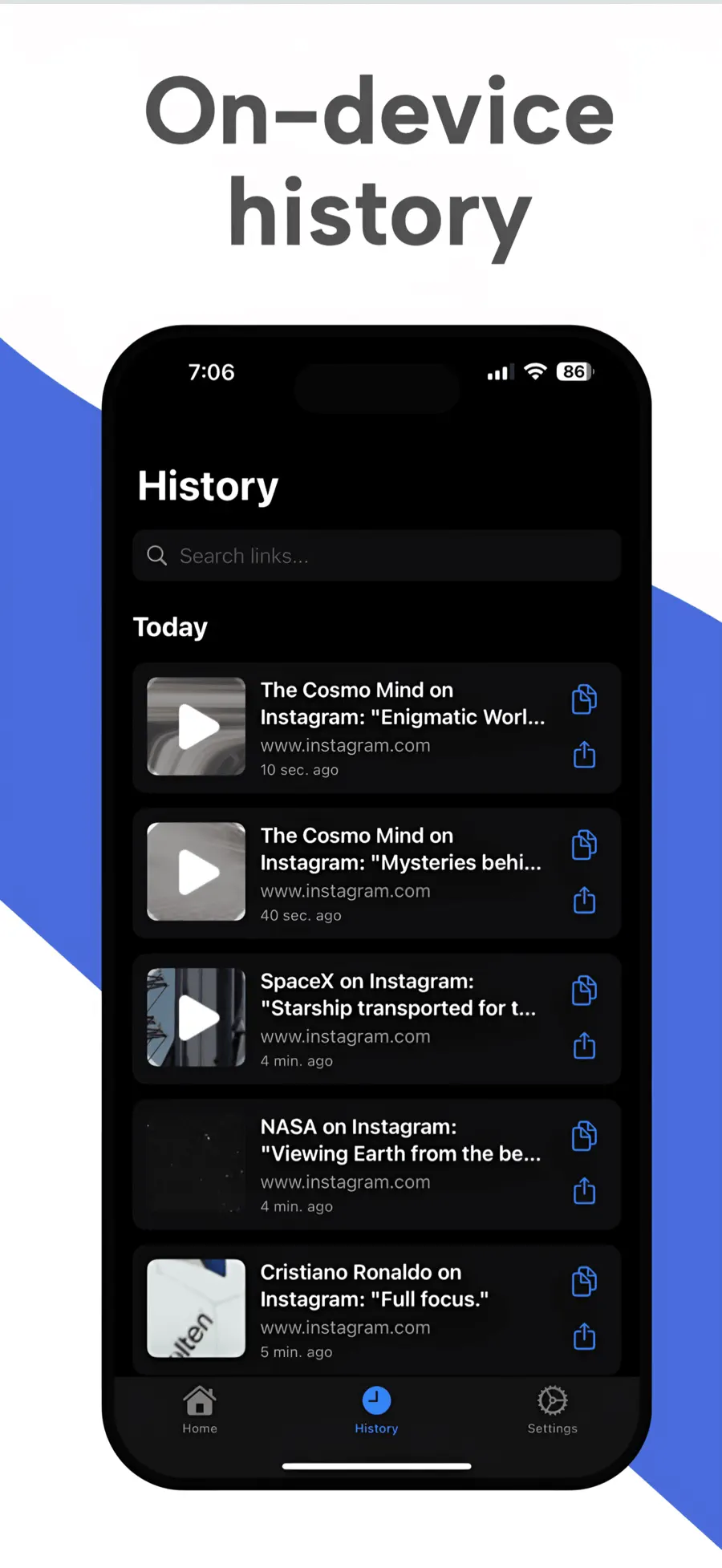
Share from Safari or another app as you normally would.
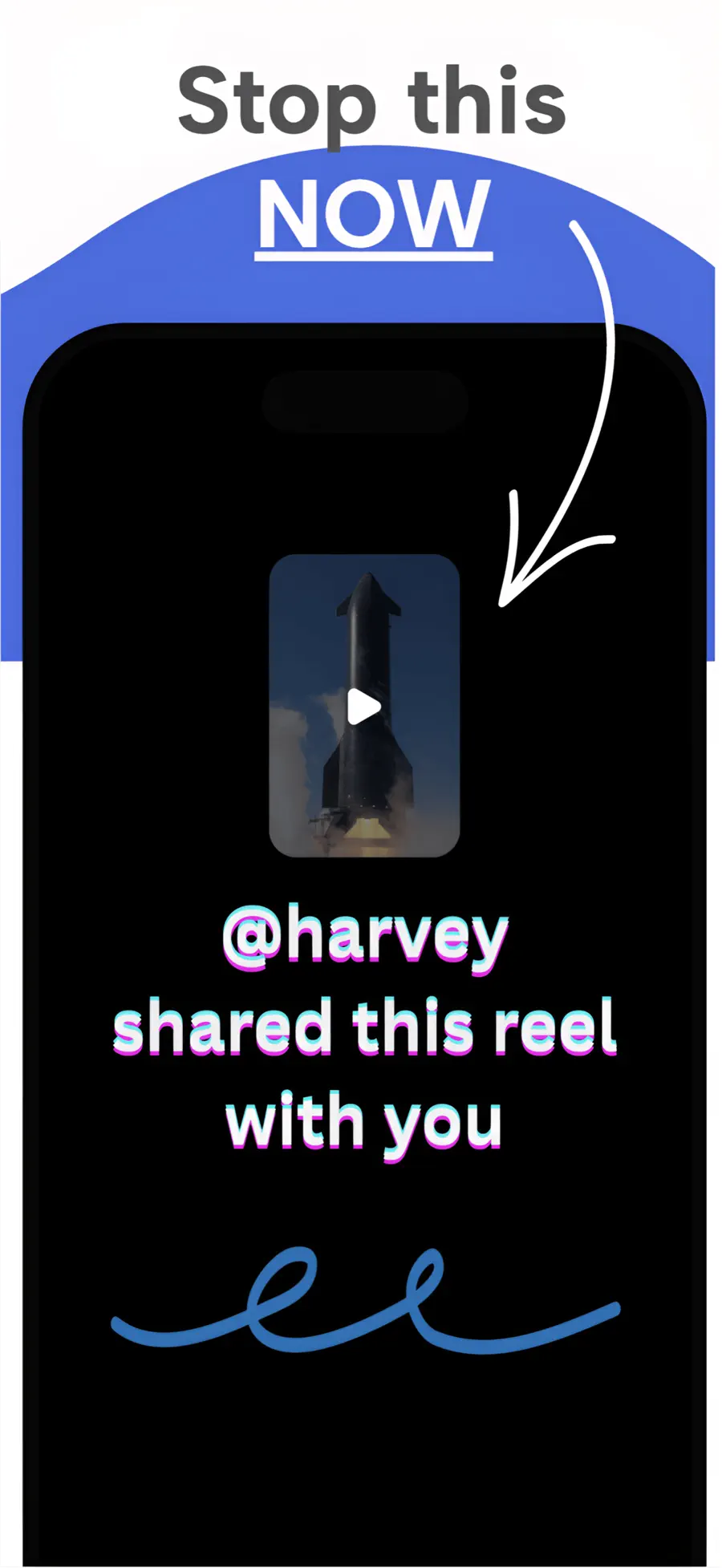
Shared URLs can carry marketing or click identifiers in their query string.
Choose CleanSend in the Share Sheet, review the result, and continue sharing.
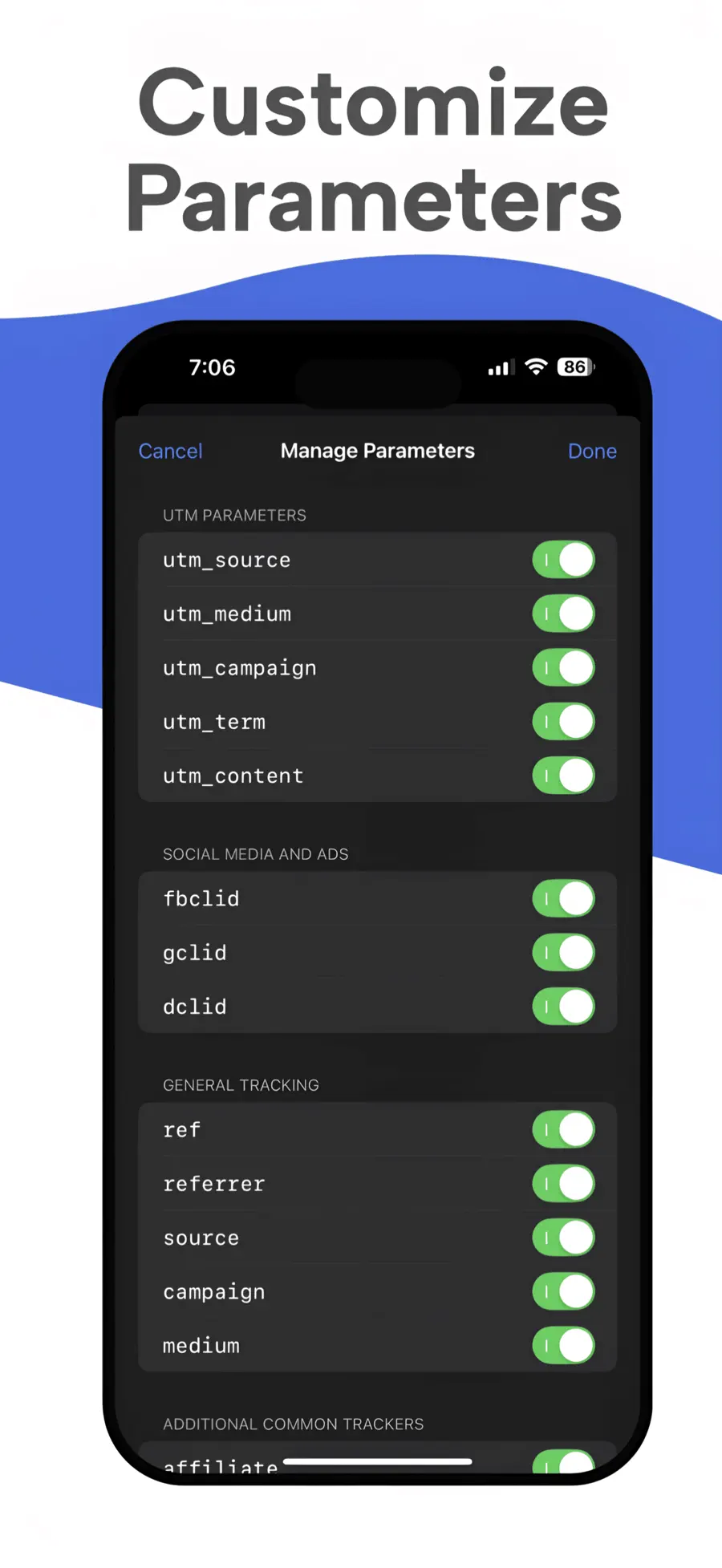
CleanSend handles common parameters such as utm_source, utm_medium, utm_campaign, fbclid, and gclid. You can add custom parameter rules for other cases.
No. CleanSend removes selected query parameters from the original URL; it does not route the link through a shortening service.
No. It can remove identifiers embedded in a URL, but websites and apps may use other tracking methods. CleanSend is a focused URL-cleaning tool, not an anonymity service.
Yes. Paste a URL into CleanSend’s manual cleaner and copy or share the cleaned result.