

Short answer
Try Planthy if you want to go from “What’s wrong with my plant?” to photo guidance, AI follow-up chat and a care reminder in one place. Planta is worth a look for a care journal and shared routines; PictureThis for identification and weed information. Choose the workflow you will actually use with your plants.
Choose around the job you will repeat
All three apps offer identification, plant problem guidance, reminders and light measurement. The useful difference is how you want to spend your time: asking about a struggling plant, organizing regular care or discovering what is growing around you.
| App | A reason to try it | Start with |
|---|---|---|
| Planthy | Photo guidance, AI plant chat, a saved garden and care reminders | The plant you’re worried about: take a photo, ask a follow-up and keep its next care check in one place |
| Planta | Care schedules, a care journal and shared care for a collection | The plants you look after regularly: organize their schedules and care notes |
| PictureThis | Plant identification, weed information, saved plants and expert consultation | An unfamiliar plant: scan it and explore its identity and care information |
Plans and devices
All three apps are free to download, with subscriptions for premium tools.
| App | Plans | Devices |
|---|---|---|
| Planthy | Premium includes unlimited identification, diagnosis, reminders and chat. US listing: $9.99 monthly or $29.99 annually. | Designed for iPhone; iOS 17 or later |
| Planta | Limited free tools; Premium adds identification, Dr. Planta, the light meter and additional care schedules. | iPhone and iPad; iOS / iPadOS 18 or later |
| PictureThis | Premium tools are available with a subscription. | iPhone and iPad; iOS / iPadOS 15 or later |
Compare the same plant in each app
Use a plant you already know something about. Photograph it in clear light, then see what you can do next: save it, understand its care needs and return to a useful reminder.
For a leaf problem, add the pot, drainage, soil moisture, light and recent care changes. A photo gives you a starting point; the care context helps you investigate the cause.
- Choose one familiar plant and one task: identify it, organize care or investigate a symptom.
- Use the same clear photo and care context in each app you try.
- Save the plant and see how you would return to its next care task.
- Choose the workflow you want to keep using with your plants.
What Planthy’s photo-to-care workflow looks like
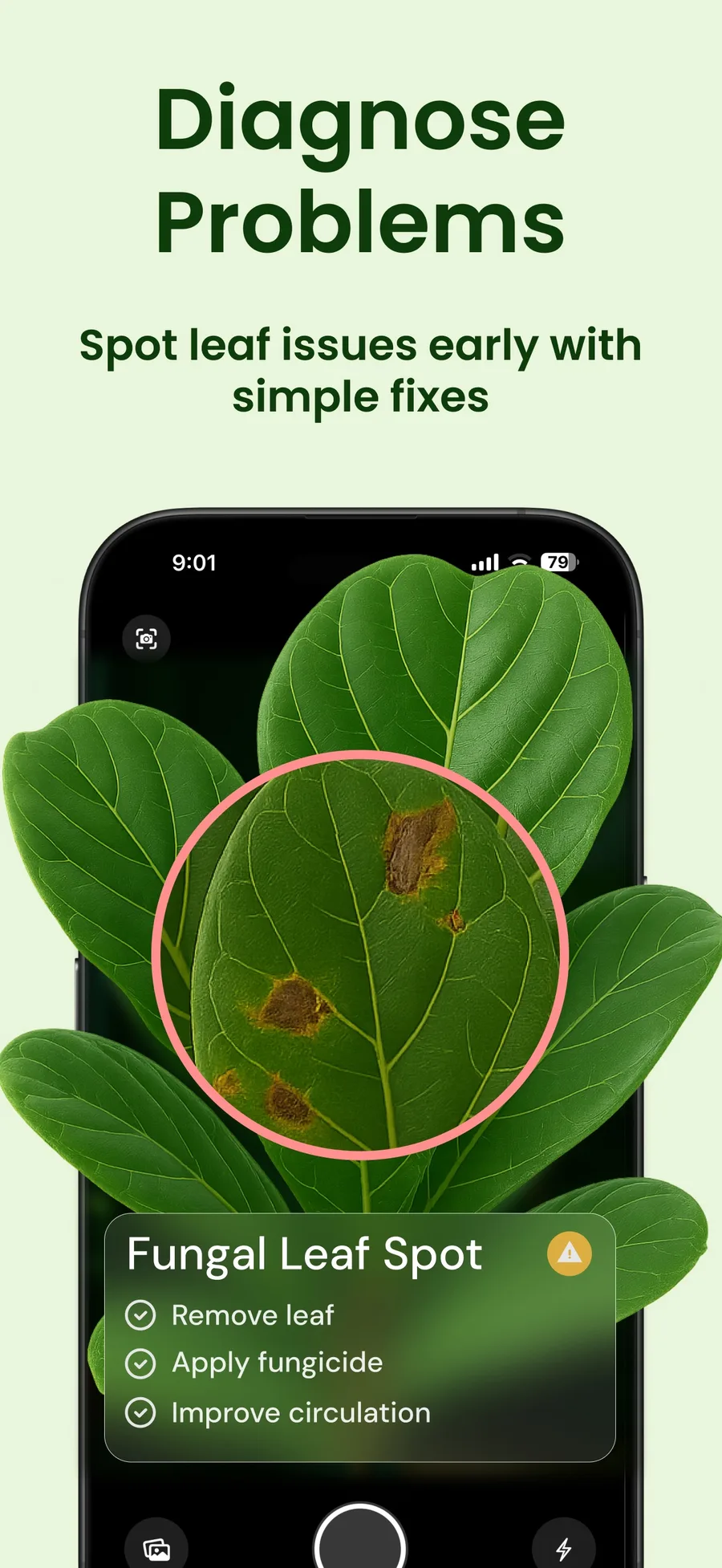
Take a photo of the leaf that worries you, explore the suggested cause, then ask your follow-up questions in Planthy’s AI plant chat. Add details such as how long the soil stays wet or whether the plant recently moved.
Keep the plant in your garden and set a reminder to check it again. That turns a one-off scan into a care routine, with the plant and its next check in the same place.
Questions
Which plant care app is best?
For photo guidance, AI follow-up and ongoing care together, try Planthy. For a care journal and shared routines, explore Planta. For plant identification and weed information, explore PictureThis. Each app covers more than one of these jobs; choose the workflow that suits your plants.
Are these plant care apps free?
All three are free to download and offer subscriptions for premium features.
Can a plant app confirm a disease from a photo?
Treat a photo result as a possible explanation to investigate. Soil, drainage, light, pests and recent care changes can matter. For a spreading or unresolved problem, seek help from a local extension service or plant specialist.