Short answer
Take a clear photo or upload one in Plant Identifier AI Scanner. Read the suggested common and scientific names, then compare the plant’s leaves, flowers, stems, and overall shape with the result. Confirm the identity independently before using toxicity or edibility information.
Choose a photo that shows the plant
A close leaf photo can be useful, but it may omit the feature that distinguishes similar plants. Keep the whole plant in view where possible, with enough detail to see the leaves and how they attach to the stem.
For an uncertain result, try a separate photo of flowers, fruit, bark, or another useful feature. Avoid filters that change colors and backgrounds crowded with several plants.
| Photo | What it contributes |
|---|---|
| Whole plant | Overall shape and growth habit |
| Leaf and stem detail | Leaf arrangement, edges, and attachment |
| Flowers or fruit, when present | Additional features to compare with the suggested species |
Scan and read the result
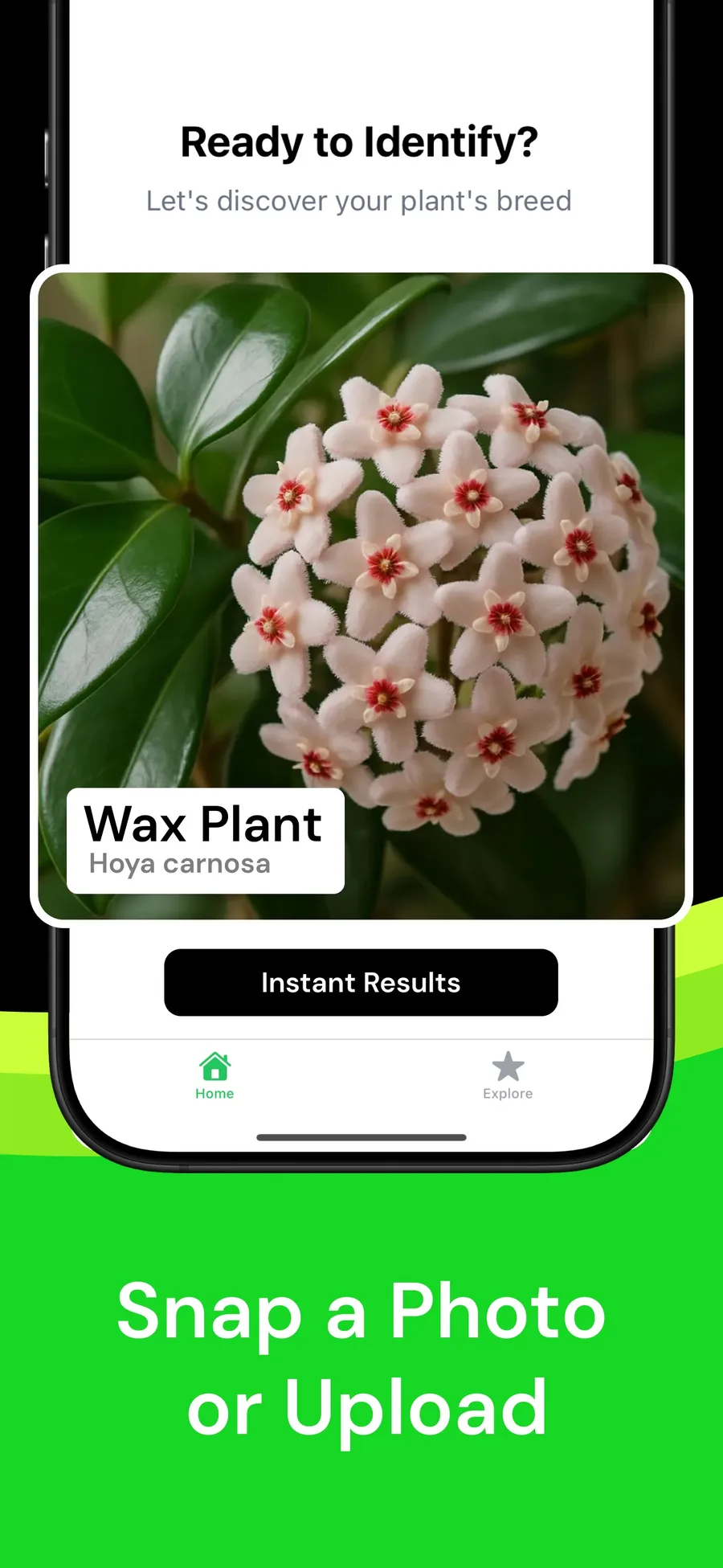
Plant Identifier AI Scanner supports taking or uploading a photo and returns a suggested identity with plant information. Its profiles include common and scientific names, family, origin, and general care details.
- Open Plant Identifier and take a photo or choose one from your library.
- Submit the image for identification.
- Read the suggested name and compare several visible features.
- Use the profile’s care information after the identity appears plausible.
- Return to your local scan history to revisit or delete the result.
Check a match that seems close but not convincing
Compare the scientific name as well as the common name. Common names can be ambiguous. If leaf arrangement, flower shape, or growth habit conflicts with the suggestion, try another photo or use an independent botanical reference.
For example, a result that resembles the leaf color but disagrees with how the leaves attach deserves another look. Keep the result as a candidate while you investigate; do not change the plant’s identity simply because the app returned a confident-looking label.
Use the right next step after identification
Plant Identifier includes saved scans, an offline houseplant catalog, and Plant of the Day. Use it to discover names and explore plant profiles. If your next task is managing care reminders for a collection, Planthy provides the garden and reminder workflow.
Use an authoritative botanical or poison-control source for decisions about eating a plant or exposing children or pets to it. ASPCA’s database covers many commonly encountered plants but explicitly says its list is not exhaustive.
Questions
Can I identify a plant using an existing picture?
Yes. Plant Identifier supports taking a photo or uploading one for an AI identification estimate.
What if two plants look similar?
Compare additional features, such as flowers and leaf arrangement, and seek an independent reference. A photo estimate can remain uncertain.
Can I use the result to decide whether a plant is edible?
Do not use one photo-app result as the authority for edibility or toxicity. Confirm the identity and safety through an appropriate authoritative source.