Short answer
Choose a clear photo showing your cat’s face, ears, coat, body, and tail. Scan it in Cat Breed Identifier AI to get a breed match, a confidence score, and a profile with breed information. Saved history lets you revisit the result.
Take a photo with enough visible detail
Use an existing picture if it is sharp and well lit. A close face photo can hide body proportions, while a distant shot can lose coat detail. A sitting or standing view with the head and tail visible is a useful starting point.
- Keep the full head and ears in the frame.
- Choose a photo showing coat length and pattern.
- Avoid costumes, heavy filters, and motion blur.
- Use another angle to show features missing from the first photo.
Scan the photo and open the result
Cat Breed Identifier AI supports the camera, gallery, and file import. Each result gives you a breed match, confidence score, and breed profile. Scan history is saved locally so you can revisit the picture and result.
- Take or choose the photo you want to scan.
- Submit it in Cat Breed Identifier AI.
- Read the breed result and its confidence score.
- Open the profile to learn about the breed’s origin, grooming, and temperament.
- Save the result as a reference or remove it from history when it is no longer useful.
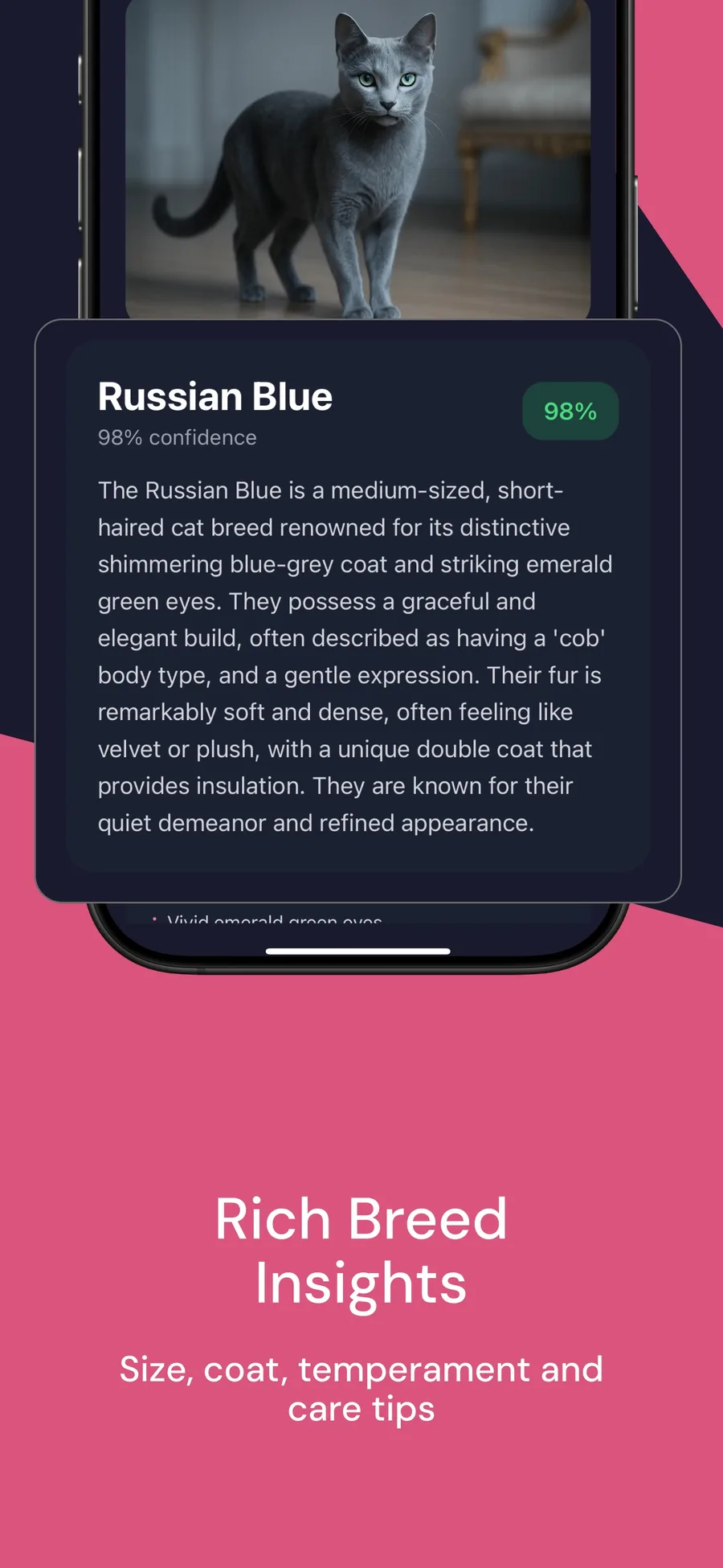
Read the confidence score with the photo
The confidence score appears beside the breed result. Check it alongside the photo and profile, with attention to the cat’s face, ears, coat, and proportions.
If the photo hides an important feature, choose another clear image. A side view adds body proportions and tail detail that a close face photo leaves out.
Learn about the breed and keep the scan
Open the breed profile to explore origin, typical size, temperament, grooming, and care facts. Read these together to get a fuller picture of the breed.
Your scan history keeps the photo and result together on your device. Return to a saved scan to revisit the profile, or delete entries you no longer need.
Questions
Can I scan a photo from my gallery?
Yes. The app supports camera photos, gallery images, and file import.
Can I revisit a scan later?
Yes. Local scan history keeps your photo and result so you can return to the breed profile.
Does a photo scan establish ancestry?
The app identifies a visual breed match. Pedigree records or DNA tests establish ancestry.